
AI Tips & Insights
Practical guides and tips for using AI with Microsoft 365 and Google Workspace to work smarter every day.
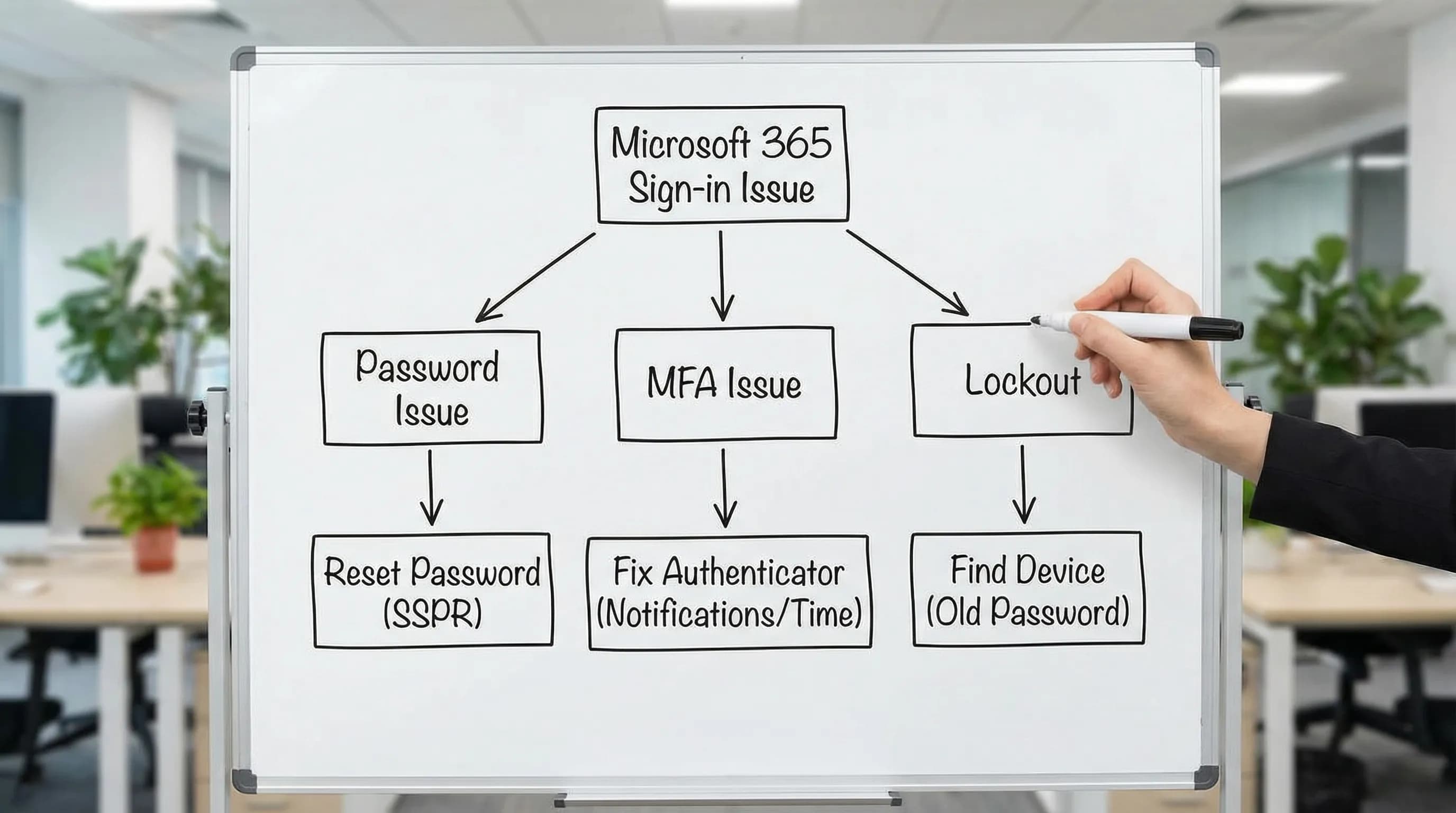
Fix: Microsoft Authenticator Keeps Asking for Approval (2026)
Microsoft Authenticator keeps sending approval requests you didn't trigger, or keeps asking again after you approve? Here's how to fix MFA loops, phantom requests, and locked accounts fast.
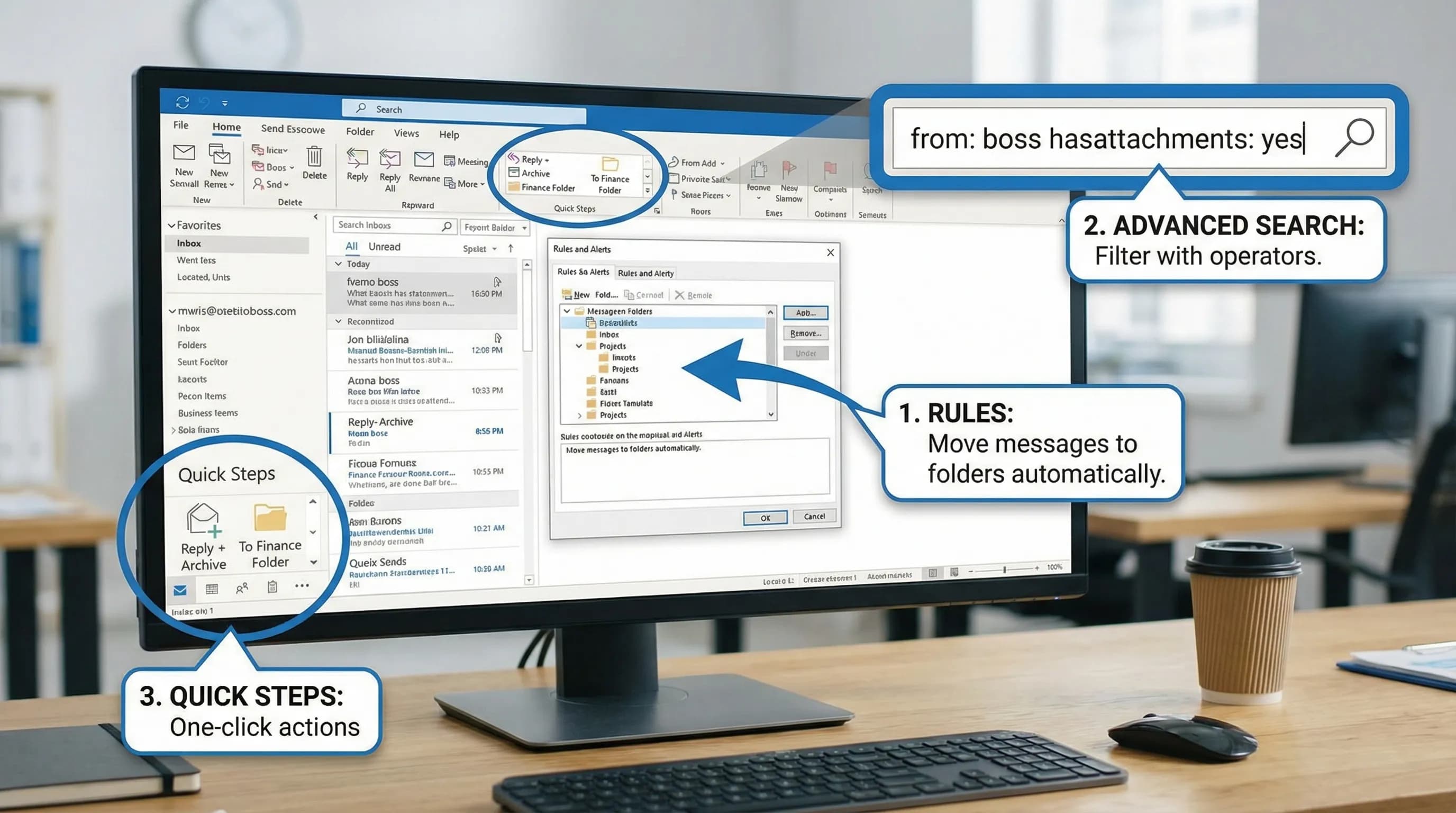
New Outlook vs Classic Outlook: What Changed and What to Do
New Outlook for Windows looks different, drops some features, and behaves differently from classic Outlook. Here's what actually changed, what is still missing, and how to handle both versions.
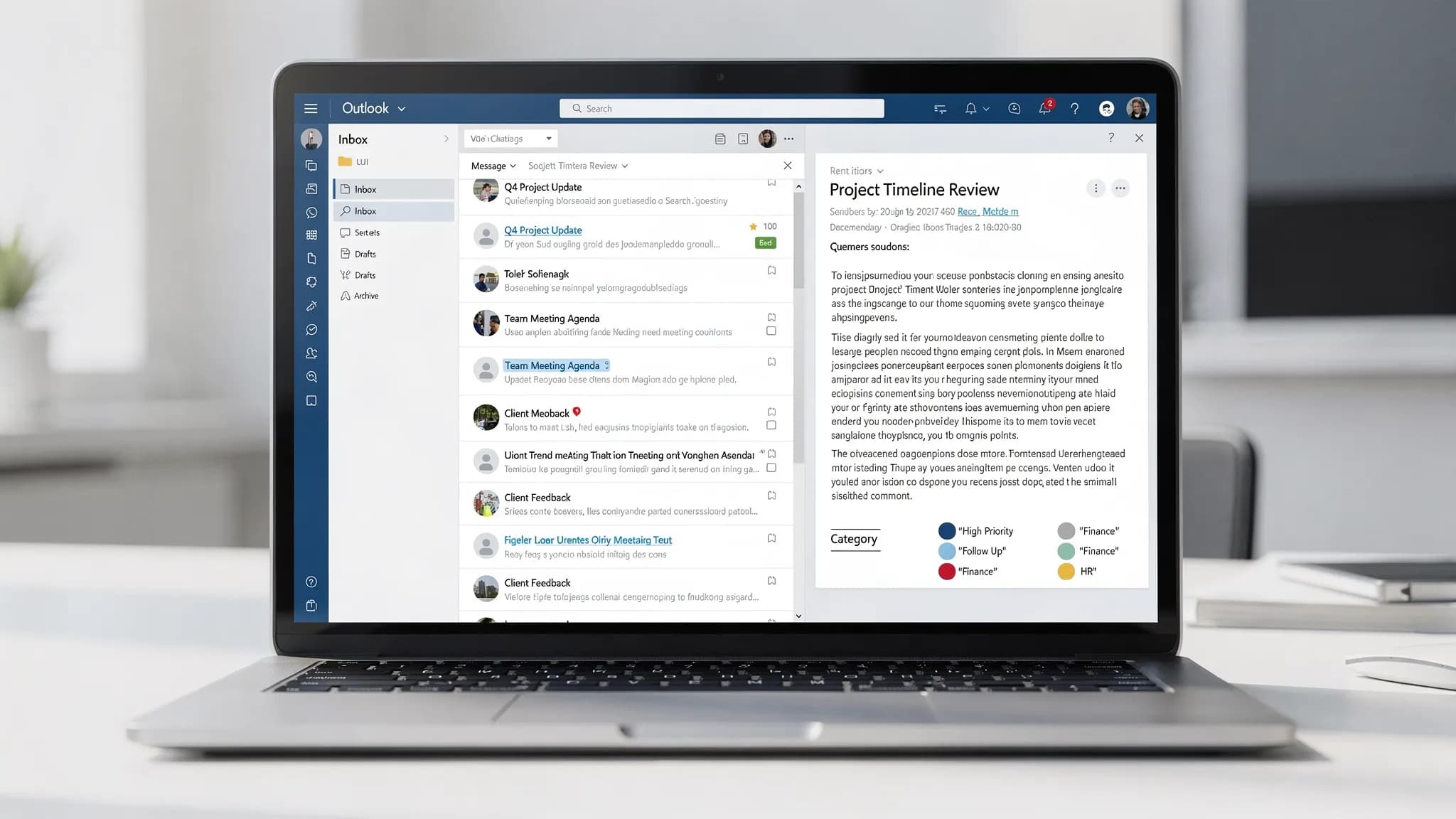
How to Speed Up Slow Outlook (Classic and New, 2026)
Outlook running slow? Whether you are on classic Outlook or new Outlook, these are the most effective fixes to speed it up — startup delays, slow search, sluggish scrolling, and more.
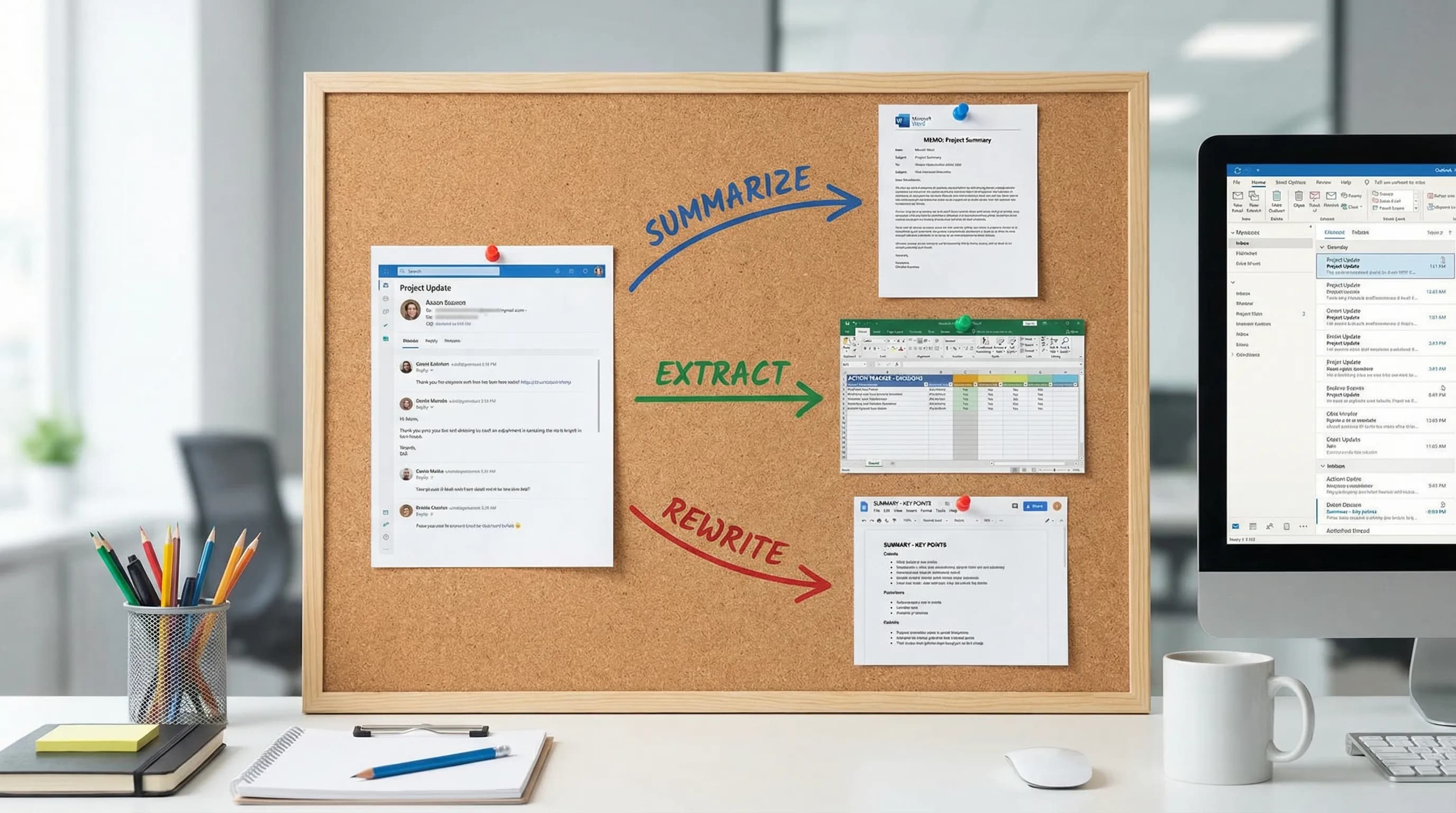
Can ChatGPT Summarize Outlook Emails? Yes — Here's How
ChatGPT can summarize Outlook emails, but how you do it matters. Here are the practical methods — copy-paste prompts, browser workarounds, and in-app AI that works without leaving Outlook.
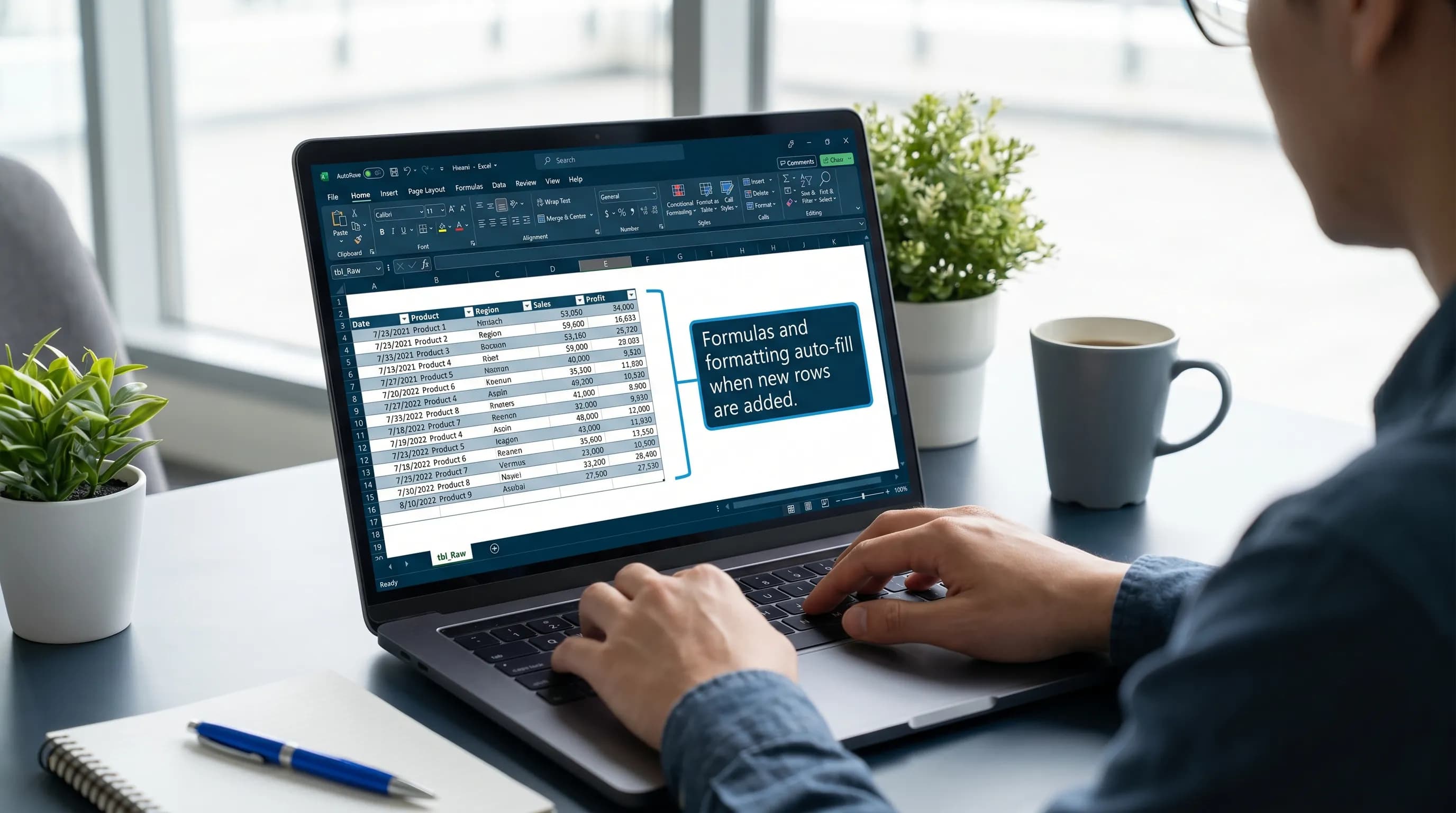
How to Share an Excel File for Multiple Users to Edit at the Same Time
The right way to share an Excel spreadsheet so multiple people can edit it simultaneously — using OneDrive, SharePoint, or Excel Online — with permission settings and co-authoring tips.
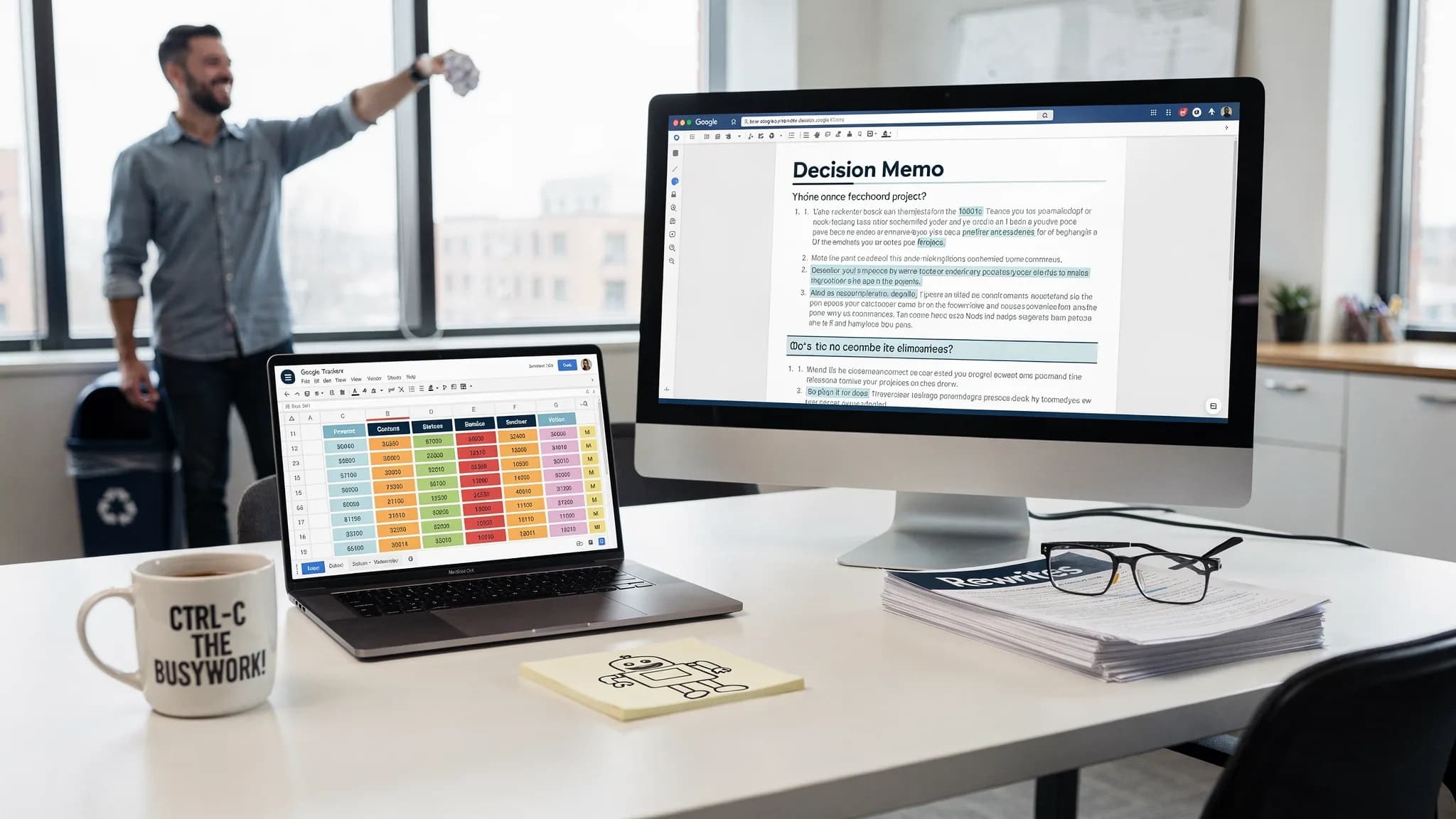
Google Workflows That Cut Busywork Across Docs and Sheets
Build Google workflows across Docs and Sheets that cut busywork, automate handoffs, and help teams turn data into decisions faster.

Microsoft Office Email Tips for Faster Writing and Follow-Ups
Use Microsoft Office email tips to write faster Outlook replies, manage follow-ups, and turn messages into action with templates, AI, and workflows.

Word and Outlook: Write Docs and Emails Twice as Fast
Learn how Word and Outlook workflows, AI prompts, and templates help you draft documents and emails faster without losing quality.

What Is AI GPT and How Do Teams Use It at Work?
Learn what AI GPT means, how teams use it at work, and practical workflows for email, docs, spreadsheets, meetings, and safer adoption.