
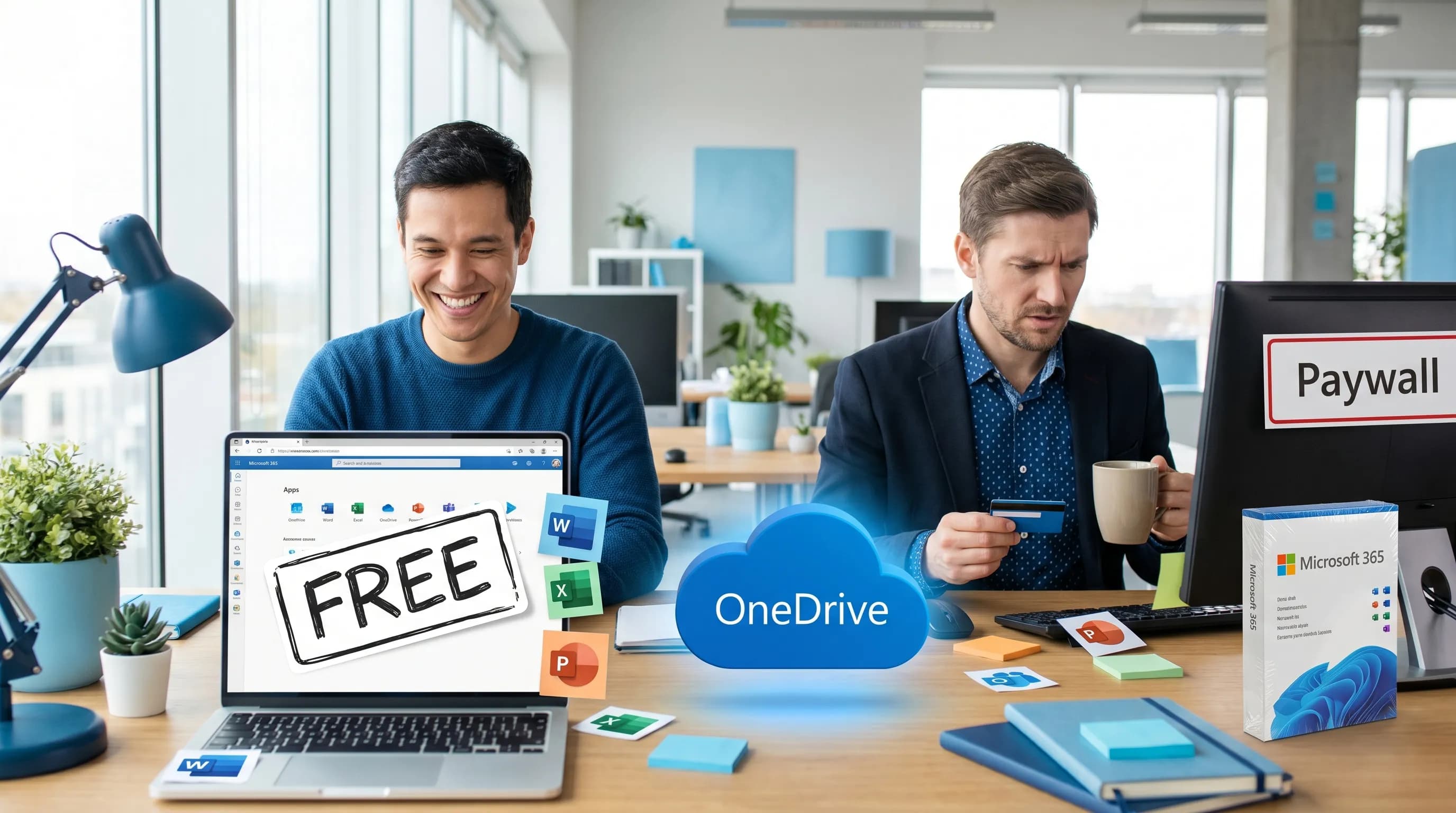
People often ask “is Microsoft free?” and get conflicting answers because Microsoft can mean several different things:
- Microsoft account services (like Outlook.com and OneDrive)
- The Office apps (Word, Excel, PowerPoint)
- Microsoft 365 subscriptions (the paid plans that unlock desktop apps, business features, and admin controls)
- Windows itself
The good news is that a meaningful part of Microsoft’s ecosystem is free, especially if you’re fine using the web versions and staying in the Microsoft account world. Below is a practical breakdown of what you can use at no cost, what’s only free in specific programs (education, nonprofit), and where the paywalls usually show up.
What “free” means in Microsoft land
When you see “free,” it typically falls into one of these buckets:
- Free forever with a Microsoft account: You can use it long-term at $0, usually in a browser.
- Free with limits: It works, but some features are gated (advanced formatting, desktop-only features, admin controls, larger storage).
- Free trial: Full-feature access for a limited time.
- Free through eligibility: Students, educators, and qualified nonprofits may get plans at no cost.
That distinction matters because many people try Word once in the browser, assume “Microsoft is free,” and then hit a wall when they need offline desktop apps, advanced Excel features, or business-grade security.
Quick answer table: What’s free vs paid
| Product or capability | Free? | What you actually get at no cost | Common limitations / when you pay |
|---|---|---|---|
| Microsoft account | Yes | Sign-in, basic identity for consumer Microsoft services | Some services require subscription later |
| Word, Excel, PowerPoint (web) | Yes | Create/edit files in the browser with OneDrive storage | Advanced features, add-ins, offline desktop use |
| Office mobile apps | Partly | Basic editing is typically available on phones | Some features and device scenarios require a subscription |
| OneDrive | Yes | Free storage tier for files and sharing | More storage requires a plan |
| Outlook.com | Yes | Free email + calendar for personal use | Business email on your domain typically requires paid plans |
| Microsoft Teams (personal) | Yes | Chat, calls, basic collaboration for consumers | Business/organization features usually require paid licensing |
| OneNote | Yes | Note-taking across devices | Some enterprise controls come with paid plans |
| Microsoft 365 (desktop Office apps) | No | Not free long-term for most people | Subscription or perpetual license required |
| Microsoft 365 for Education | Sometimes | Many schools can provide free web-based Office for students/faculty | Depends on institution eligibility and setup |
| Microsoft 365 for nonprofits | Sometimes | Eligible nonprofits can access grants/discounts | Requires nonprofit verification |
Is Microsoft Word free?
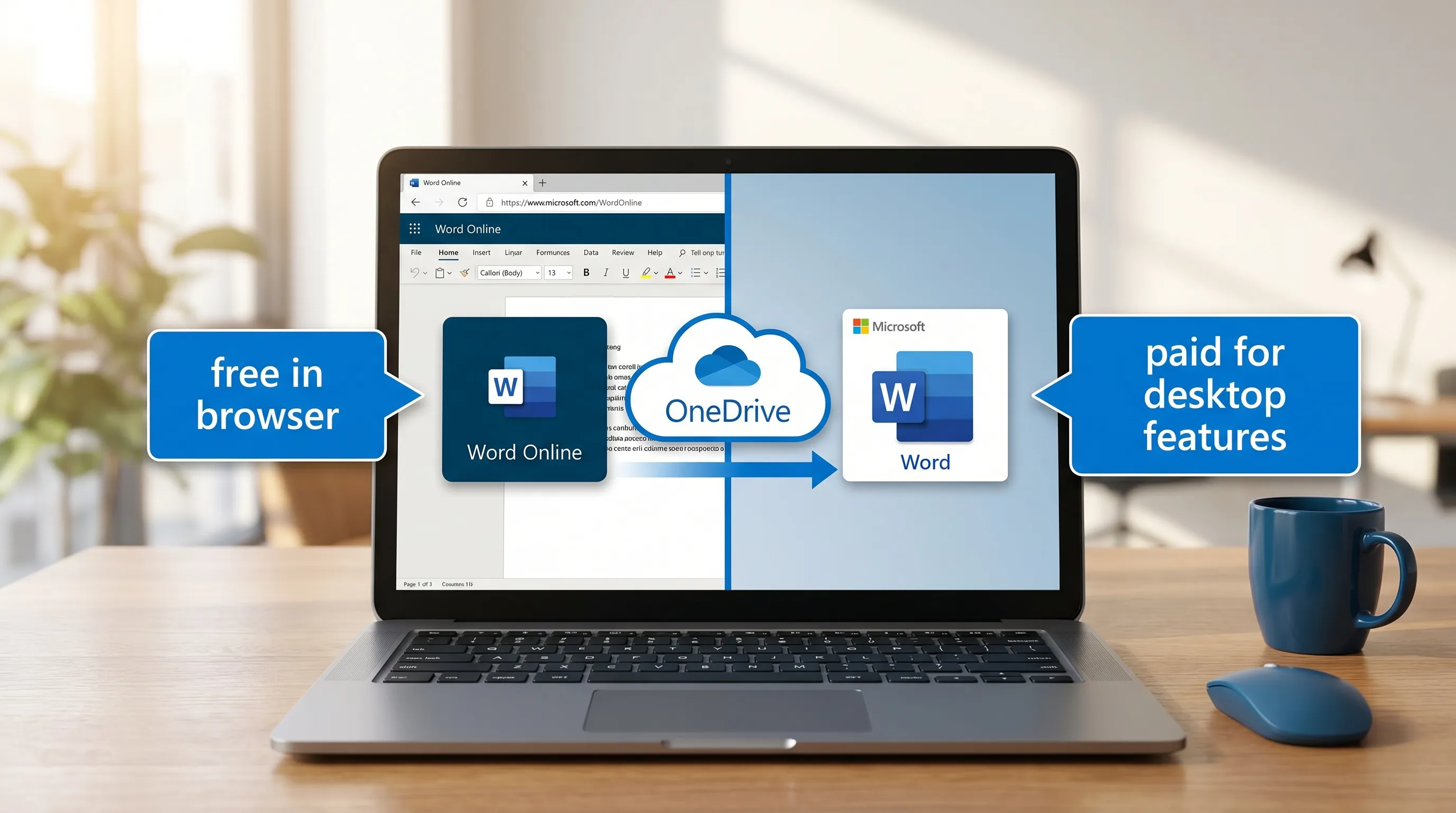
Yes, Word is free in the browser as Word for the web, as long as you have a Microsoft account.
This “web Office” approach is the simplest way to use Microsoft at no cost:
- Go to Office on the web and sign in.
- Create Word documents, Excel spreadsheets, and PowerPoint presentations.
- Save to OneDrive and collaborate with others.
What you may miss in Word for the web
For many everyday tasks, Word for the web is enough. But you may need paid desktop Word when you rely on:
- Offline work (no browser, no internet)
- Advanced layout, formatting controls, or complex templates
- Some review, referencing, or publishing workflows
- Add-ins or organization-specific tooling that targets desktop Office
If you mostly draft, review, and collaborate, the free web version is often a great fit.
Is Excel free?
Excel is also free in the browser as Excel for the web, again with a Microsoft account.
Excel for the web is strong for:
- Budgeting, trackers, lists, and lightweight analysis
- Sharing sheets and collaborating in real time
- Basic formulas, tables, sorting, filtering, and charts
Where people typically upgrade is when they need desktop-only workflows like heavy-duty modeling, certain advanced features, or compatibility needs (for example, complex spreadsheets built around macros).
If your main goal is “I just need Excel without paying,” start with Excel for the web and only upgrade if you hit a hard limitation.
Is Microsoft PowerPoint free?
Yes, PowerPoint is free in the browser as PowerPoint for the web.
It’s ideal when you:
- Build straightforward decks
- Coauthor with teammates
- Present from a browser
Design-heavy or complex decks may push you toward desktop PowerPoint, but many teams do surprisingly well staying web-first.
Is Microsoft 365 free?
Microsoft 365 is generally not free. Microsoft 365 is the umbrella subscription that typically includes:
- Desktop Office apps (Word, Excel, PowerPoint for Windows/Mac)
- Additional storage
- Premium features (varies by plan)
- Business and admin capabilities (for work accounts)
That said, there are legitimate ways you might get Microsoft 365 at no cost.
1) Free trials
Microsoft routinely offers trials for Microsoft 365 plans. Trials are helpful if you need desktop apps temporarily (for a project, job search, or migration testing), but they are not a “free forever” solution.
2) Education (students and faculty)
Many schools provide students and educators access to Microsoft 365 or Office web apps via Microsoft 365 Education. Eligibility depends on the institution and how it’s licensed.
A good starting point is Microsoft’s education overview: Microsoft 365 Education.
3) Nonprofits
Qualified nonprofits may be eligible for Microsoft grants or discounted pricing. If you’re running a nonprofit, it’s worth checking Microsoft’s nonprofit portal: Microsoft for Nonprofits.
If you’re part of a civic or community initiative, you can often run a lot of your operations (documents, spreadsheets, presentations) on free web Office first, and only add paid licensing where needed. Some public-interest projects also share their mission and organizing openly, for example this continuous direct-democracy movement that publishes resources and invites participation.
Is Teams free?
Teams can be free for personal use, typically under a consumer Microsoft account. That may be enough for:
- Casual group chat
- Calls
- Simple scheduling and sharing
For organizations, Teams access usually depends on a Microsoft 365 work subscription or an org-provided license. If you’re using Teams through your employer or school, you’re likely on a paid tenant even if you personally never entered a credit card.
Is OneDrive free?
Yes, OneDrive has a free tier that works well for:
- Saving Office files created on the web
- Sharing links to documents
- Basic version history and collaboration
The main reason people upgrade is storage growth (photos, large attachments, backups) or because storage is bundled into a Microsoft 365 subscription they already need for desktop apps.
What about Windows? Is Microsoft Windows free?
This is where the question “is Microsoft free?” often drifts.
- Windows is not generally free for a new PC build or a new license purchase.
- Many computers come with Windows preinstalled, so it can feel free because the cost is bundled into the device.
If your goal is “free Microsoft apps,” focus on Office for the web, OneDrive, and Outlook.com rather than Windows licensing.
How to check what you already have (without guessing)
Before you pay for anything, confirm whether you already have access through work, school, or a family plan.
- Sign in to Microsoft account to see subscriptions tied to a personal account.
- If you have a work or school account, sign in to your organization’s Microsoft 365 portal (often via portal.office.com) and check what’s assigned.
Common situations where people unknowingly already have access:
- Employer includes Microsoft 365 as part of onboarding
- School provides licenses for enrolled students
- Household already pays for a family plan
The “gotchas” that make people think Microsoft is free (until it isn’t)
A few predictable paywalls show up once you move beyond basic use:
- Offline desktop apps: If you need full Word/Excel/PowerPoint on Windows or Mac, you will usually pay.
- Business email on your domain: Outlook.com is free, but a company address ([email protected]) typically requires business services.
- Advanced security and admin controls: Most organizational controls are tied to paid plans.
- Storage expansion: Free tiers are fine, until you start storing years of files, media, and backups.
The key is to decide whether you actually need those capabilities, or whether browser-first is enough.
Practical recommendations (pick your path)
| Your situation | Best no-cost starting point | When you should consider paid |
|---|---|---|
| You just need Word/Excel occasionally | Office for the web + OneDrive free tier | Offline work, heavy docs, complex spreadsheets |
| You collaborate on docs with a small group | Word/Excel/PowerPoint for the web | Larger storage needs or org controls |
| You’re a student or educator | Check Microsoft 365 Education eligibility | If your school does not provide desktop apps |
| You run a nonprofit | Start web-first, then evaluate nonprofit programs | When you need managed devices, compliance, or desktop apps |
| You use Microsoft daily for work | Use employer-provided licensing | If your role needs tools beyond what IT provides |
Where CoreGPT fits if you’re staying on the free tier
If your main reason for upgrading is “I need to write faster, summarize faster, and analyze faster,” you do not always need a new Microsoft license first. Often you just need better workflows.
CoreGPT Apps is designed to bring GPT-powered help directly into Microsoft 365 and Google Workspace apps (Word, Excel, PowerPoint, Outlook, Teams, Docs, Sheets, Slides, Forms), so you can draft, rewrite, summarize, and structure work without constantly bouncing between tabs. It is also built with a privacy-focused approach, and it does not require registration.
If that sounds useful, you can explore CoreGPT here: CoreGPT Apps.
Frequently Asked Questions
Is Microsoft Word free on Windows? Word is free to use in a browser (Word for the web). The full desktop app for Windows typically requires a Microsoft 365 subscription or a separate license.
Can I use Excel for free without downloading anything? Yes. Excel for the web is free with a Microsoft account and runs in your browser.
Is Microsoft 365 free for students? Sometimes. Many schools provide Microsoft 365 Education to students and faculty, but eligibility depends on your institution.
Is Microsoft Teams free for business? Teams has a free option for personal use, but business use commonly requires paid licensing through Microsoft 365 or other organizational plans.
Do I need to pay for OneDrive? Not necessarily. OneDrive has a free tier, and many people only pay when they need more storage or when it’s bundled with Microsoft 365.
What’s the difference between “Office” and “Microsoft 365”? “Office” often refers to the Word/Excel/PowerPoint apps themselves. “Microsoft 365” is the subscription bundle that typically includes desktop apps plus cloud services and premium features.
Use Microsoft at $0, then upgrade only when the limits are real
If you’re trying to keep costs down, start with Office on the web + OneDrive + Outlook.com, and only pay when you can name the exact feature you’re missing (offline desktop apps, storage, admin controls, or specific business requirements).
When you’re ready to boost productivity inside the tools you already use, CoreGPT can help you write, analyze, and collaborate faster across Microsoft 365 and Google Workspace. Learn more at CoreGPT Apps.